One scan. The next step. · Interactive walkthrough
Display a Website QR Code on TV for Menus, Agendas and Feedback
One clear code on the screen, taking guests to the page they need.
Show a website QR code on TV or a projector. Add the full link and a useful caption so visitors can open a menu, agenda, registration page or feedback form.
Open vuthis.com on the TV or projector
Open vuthis.com in the display browser. For a projector, use its browser or the computer already connected to it. Keep the connection code on screen.
Connect your phone, tablet or laptop
Scan the screen QR code with your phone. On a laptop or tablet, open vuthis.com/r and enter the screen code. Both devices need internet; they can use different networks.
Choose QR code, then URL
Choose the QR-code feature and select URL for a web page. Use the current product interface for access to this feature.
Enter the full destination address
Enter the complete https:// or http:// address for the menu, agenda, form or other page. Check that it opens for the intended audience.
Add a caption and choose Show now
Use a caption that explains the result, such as View today's agenda or Tell us how we did. Show the code on the display.
Test from the audience position
Scan the displayed code with a separate phone. Confirm that it opens the intended page and the useful information is accessible.
Useful when it matters
Put it to work in the room.
- A café menu with longer details online.
- A conference agenda or registration form.
- Feedback after a workshop or event.
Read the V U This Display a Website QR Code on TV for Menus, Agendas and Feedback product guide
Get the result right
A quick screen check.
- QR-code display is a Pass feature in the current product. Check the product interface when preparing the screen.
- The linked website provides the form or menu. V U This puts its QR code on the shared display.
Read the screen from the audience position. Keep the selected content clear, current and useful for the people in the room.
One scan. The next step.
Open vuthis.com on the display. Connect from another device. The code leads to the right next action.
The next useful screen
Keep the whole setup ready.
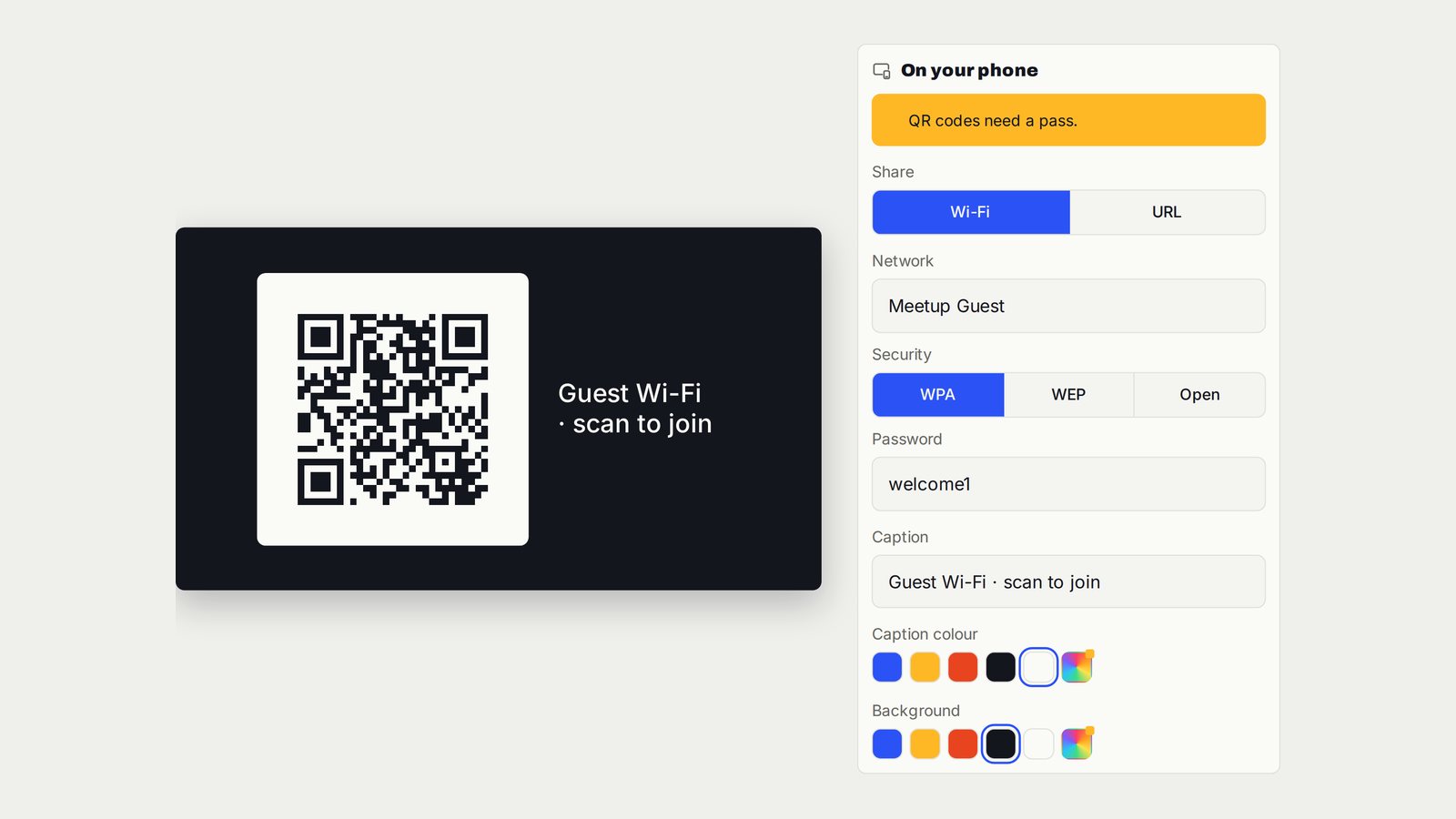
Show a Guest Wi-Fi QR Code on a Hotel or Meeting-Room TV
Guest-network joining details in one scannable code on the screen.
Follow the interactive walkthrough →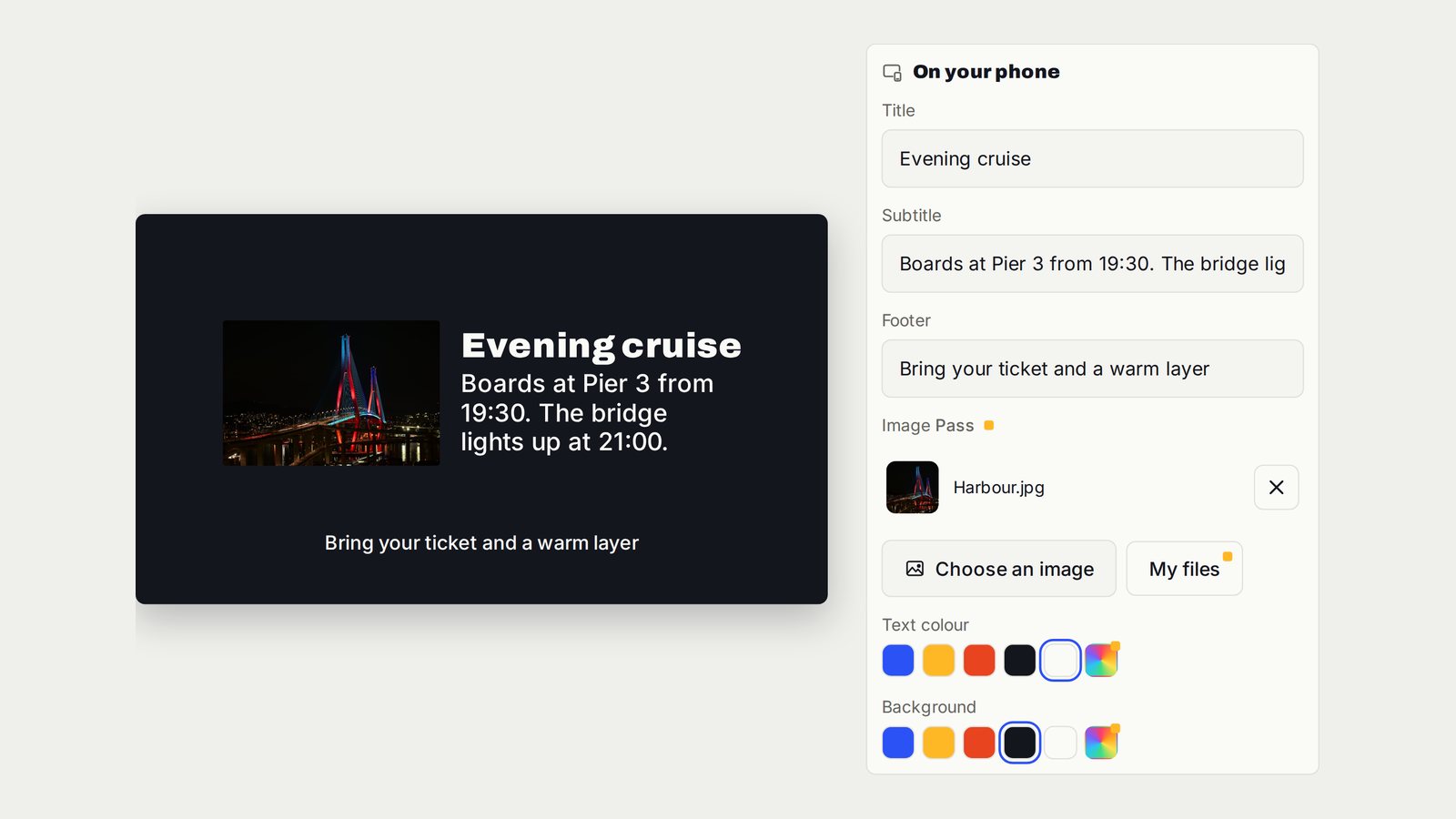
Turn a TV into a Digital Notice Board
A structured announcement that tells everyone what changed and what to do next.
Follow the interactive walkthrough →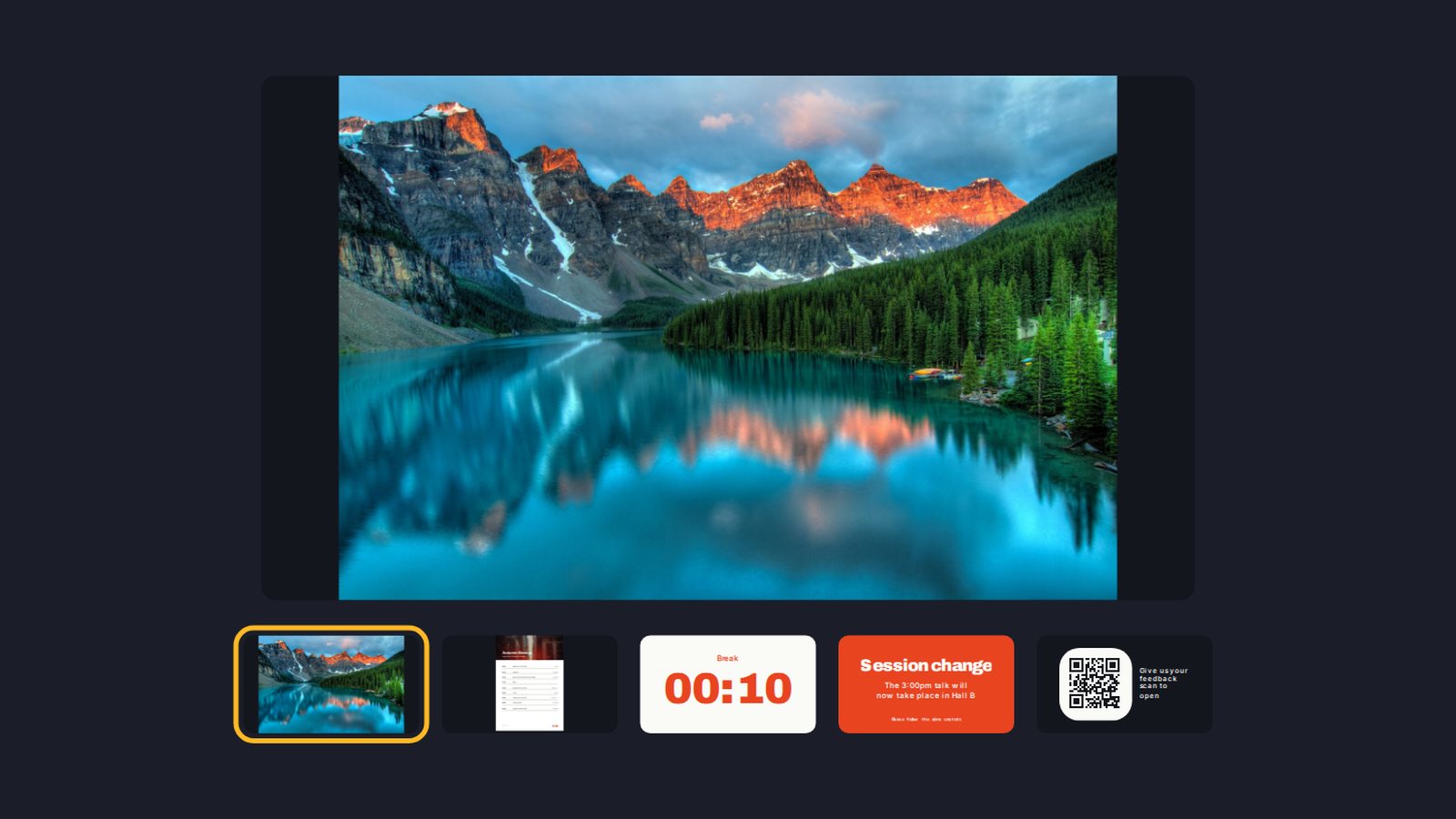
Build a Digital Signage Playlist on TV Without a New Media Player
One screen moving through the content you prepared, in the order the room needs.
Follow the interactive walkthrough →Read · Print · Reuse
Keep this walkthrough with the next job.
The two-page handbook has clickable setup and related-guide links. Its page images and descriptions are also available as a IIIF presentation manifest, linked to this interactive page and the main V U This product.