Say it once. Everyone sees it. · Interactive walkthrough
Display Large Text and Welcome Messages on TV
One clear message, readable from across the room.
Put large text on TV or a projector from your phone. Follow Text, message size, nine positions and colours to create a readable welcome or instruction screen.
Open vuthis.com on the TV or projector
Open vuthis.com in the display browser. For a projector, use its browser or the computer already connected to it. Keep the connection code on screen.
Connect your phone, tablet or laptop
Scan the screen QR code with your phone. On a laptop or tablet, open vuthis.com/r and enter the screen code. Both devices need internet; they can use different networks.
Choose Text and write the message
Choose Text. Enter the short message the room needs: Welcome, Registration this way, Meeting in room 4 or Back at 2:00.
Choose S, M, L or Max
Use L for one large line or Max when the message should fill the screen and may wrap. S and M leave more space around the words.
Set the position and colours
Choose one of nine positions and a readable text/background combination. Keep the words clear from the farthest audience position.
Choose Show now and update when needed
Show the message on the display. Change the wording, position or available styling from the controller when the next instruction is needed.
Useful when it matters
Put it to work in the room.
- Welcome text at a hotel meeting room.
- A workshop instruction on a projector.
- Directions at an event entrance.
Read the V U This Display Large Text and Welcome Messages on TV product guide
Get the result right
A quick screen check.
- A short message is easier to read from a distance than a dense paragraph.
- Use Announcement when you need a separate title, subtitle and footer.
Read the screen from the audience position. Keep the selected content clear, current and useful for the people in the room.
Say it once. Everyone sees it.
Open vuthis.com on the display. Connect from another device. The room has the current instruction.
The next useful screen
Keep the whole setup ready.
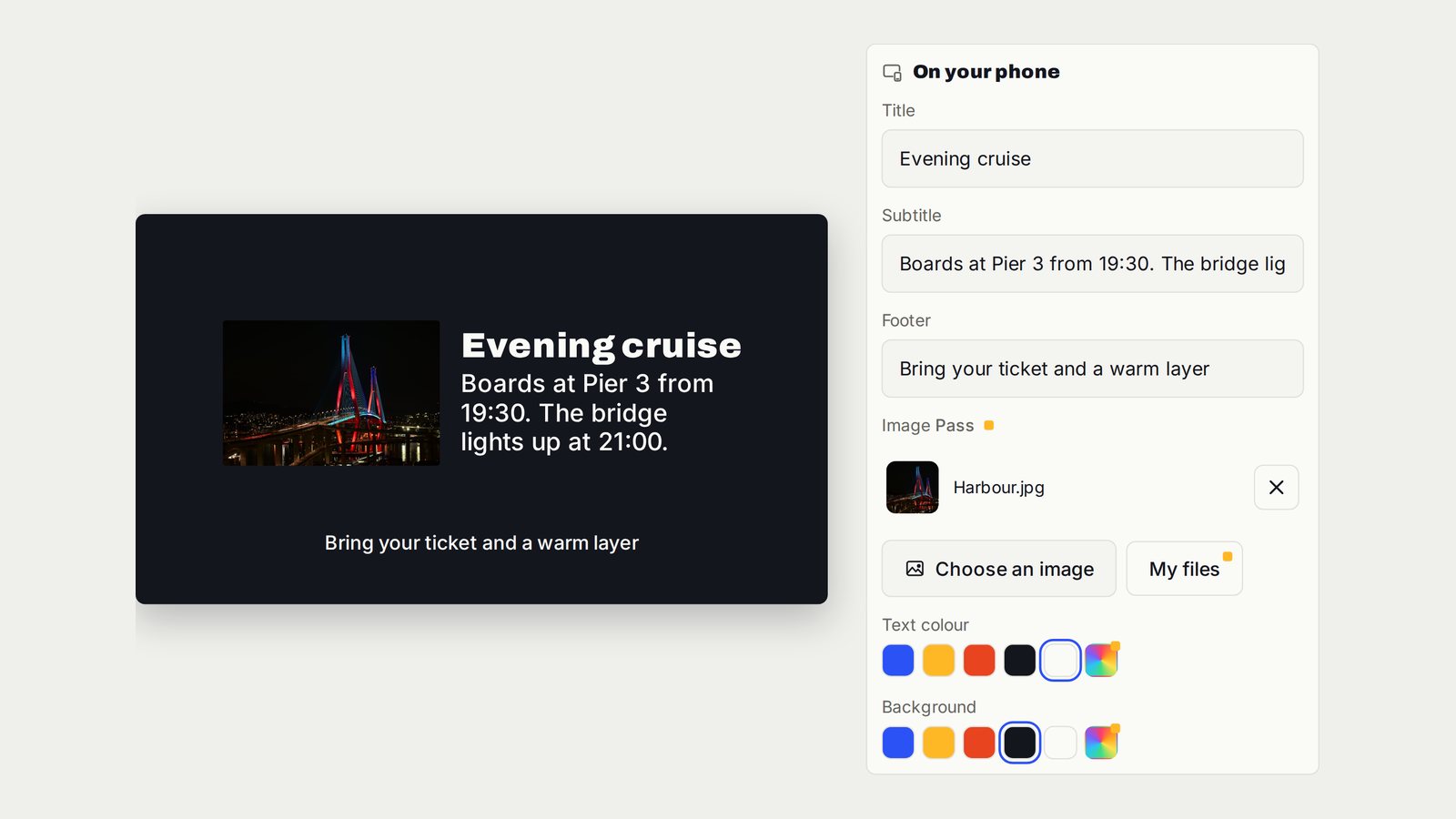
Turn a TV into a Digital Notice Board
A structured announcement that tells everyone what changed and what to do next.
Follow the interactive walkthrough →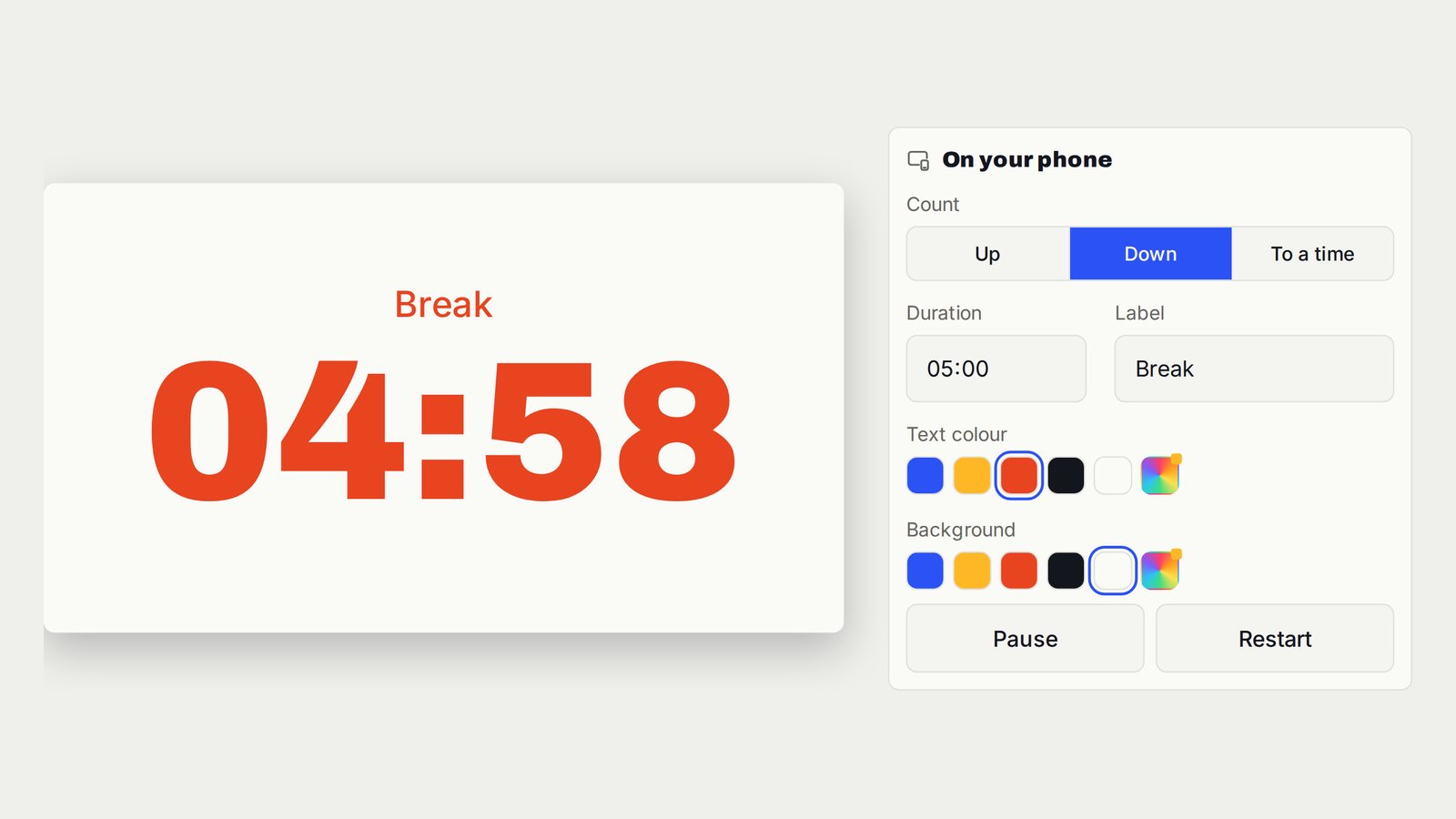
Countdown, Count-Up and Presentation Timer on TV
A clean timer for the room, with timing controls on your device.
Follow the interactive walkthrough →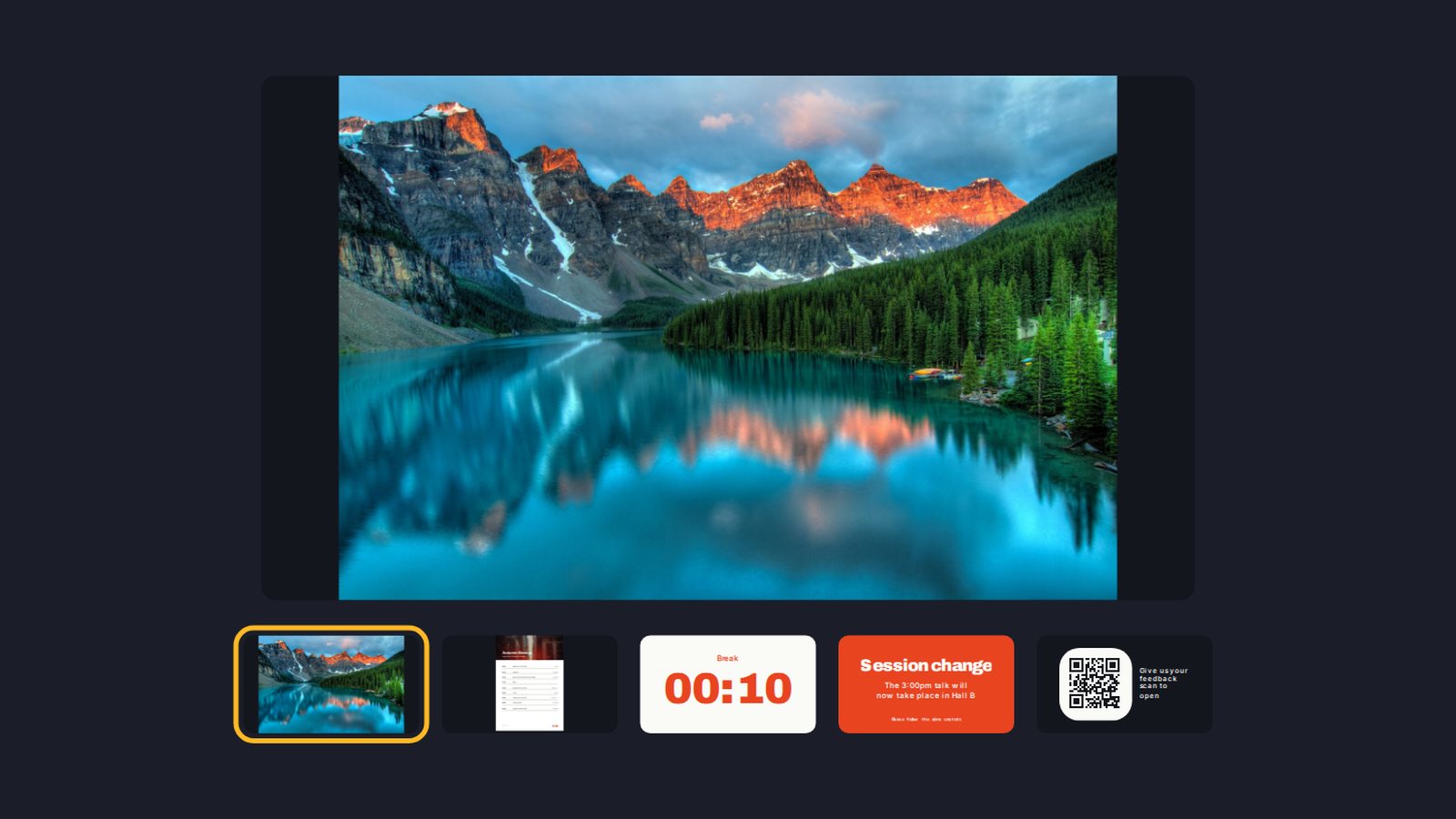
Build a Digital Signage Playlist on TV Without a New Media Player
One screen moving through the content you prepared, in the order the room needs.
Follow the interactive walkthrough →Read · Print · Reuse
Keep this walkthrough with the next job.
The two-page handbook has clickable setup and related-guide links. Its page images and descriptions are also available as a IIIF presentation manifest, linked to this interactive page and the main V U This product.