Open. Connect. Show. · Interactive walkthrough
Connect a Phone or Laptop to TV Without HDMI
Your chosen content on the room screen. The controls stay with you.
Connect a phone, tablet or laptop to a TV or projector browser. Follow the screen-code setup, then show a PDF, photos or a message without an HDMI cable from your controller.
Open vuthis.com on the TV or projector
Open vuthis.com in the display browser. For a projector, use its browser or the computer already connected to it. Keep the connection code on screen.
Connect your phone, tablet or laptop
Scan the screen QR code with your phone. On a laptop or tablet, open vuthis.com/r and enter the screen code. Both devices need internet; they can use different networks.
Choose what the room should see
Choose Document for a PDF, Photos for pictures, Text for a short message or another screen feature. The TV displays your selected content.
Prepare the content on your controller
Select the intended file or enter the message. Check the controller preview before you put it in front of the room.
Choose Show now
Tap Show now to put the selected content on the display. Keep your controls on the phone or laptop while the audience sees the result.
Follow the feature walkthrough
Choose the PDF, slides, photos or screen-message guide below for the exact controls. Both devices can use different internet connections.
Useful when it matters
Put it to work in the room.
- A meeting room with an online TV and no laptop adapter.
- A phone PDF for a projector already connected to a computer.
- A family photo display without local-network casting discovery.
Read the V U This Connect a Phone or Laptop to TV Without HDMI product guide
Get the result right
A quick screen check.
- The display needs a usable browser, directly or through an existing connected computer/player.
- For selected PDFs, photos and messages, use this browser route. Live whole-desktop mirroring is a different workflow.
Read the screen from the audience position. Keep the selected content clear, current and useful for the people in the room.
Open. Connect. Show.
Open vuthis.com on the display. Connect from another device. You can change the display from the controller.
The next useful screen
Keep the whole setup ready.
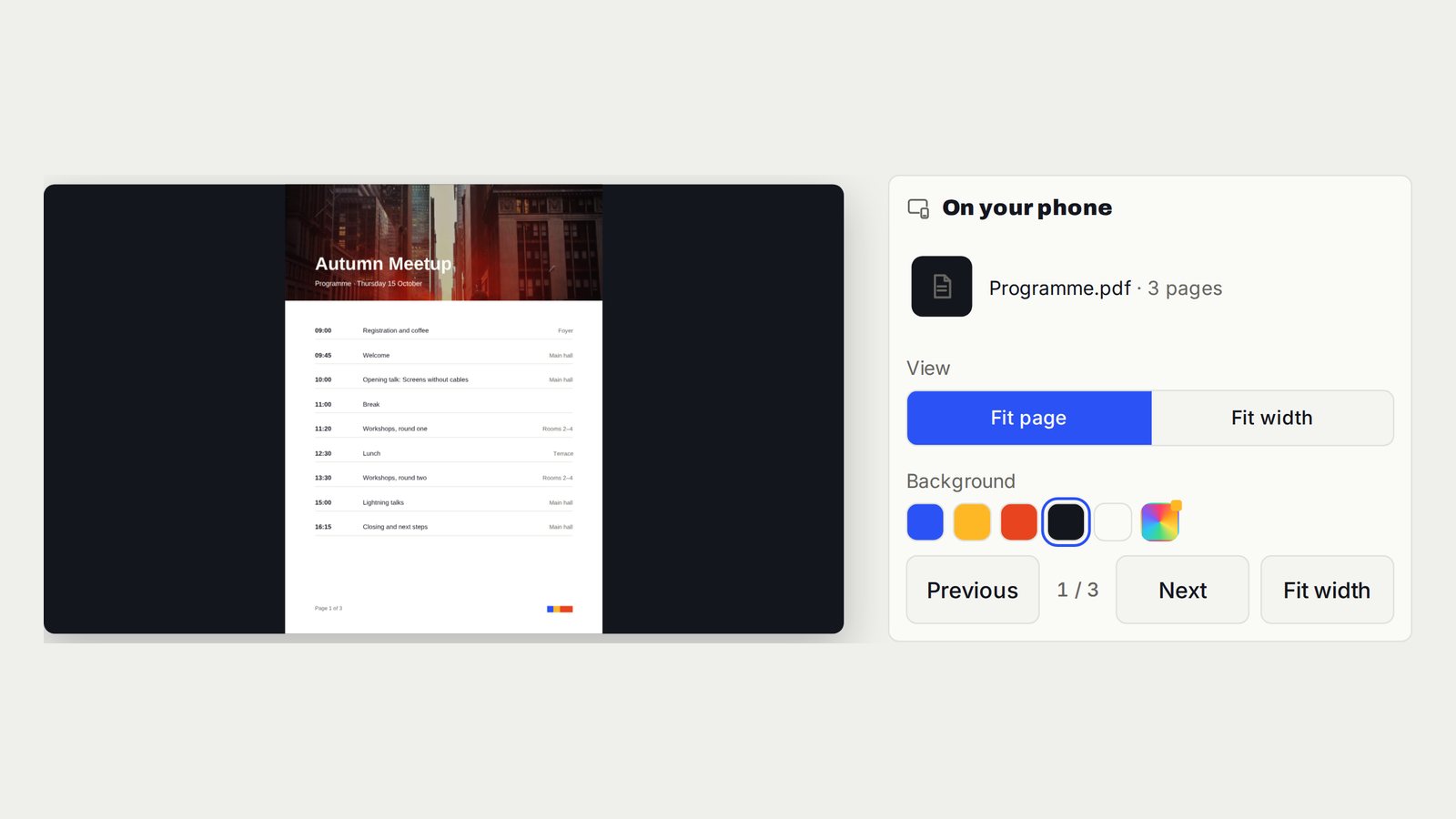
Show a PDF on TV or a Projector Without HDMI
A clean PDF on the display, with page changes controlled from your device.
Follow the interactive walkthrough →PowerPoint, Google Slides and Keynote on TV Without HDMI
Slide pages on the room screen. You decide when the next one appears.
Follow the interactive walkthrough →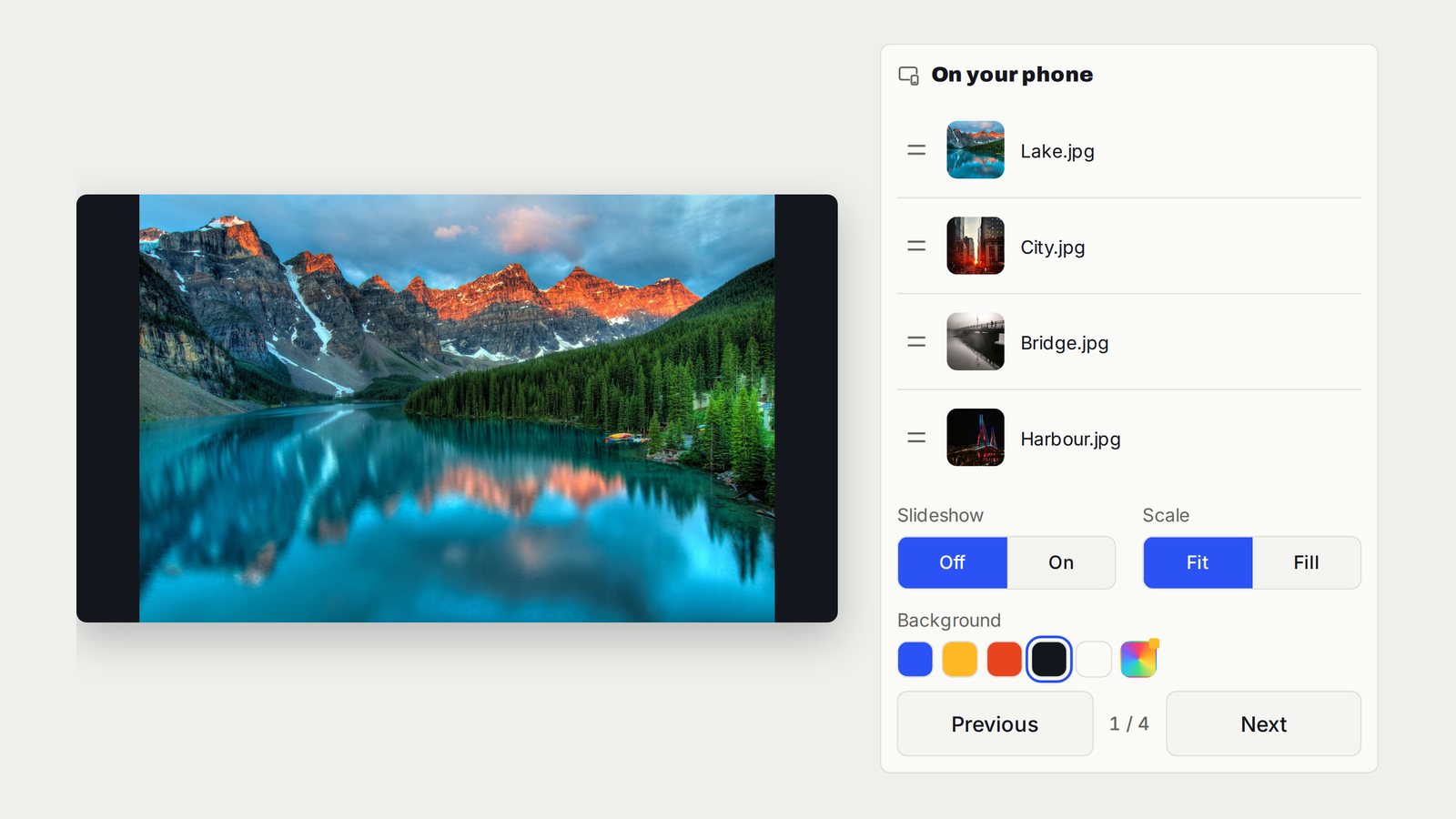
Show Photos and Run a TV Slideshow Without Casting
The photos you choose on the TV. Move through them yourself or let the slideshow run.
Follow the interactive walkthrough →Read · Print · Reuse
Keep this walkthrough with the next job.
The two-page handbook has clickable setup and related-guide links. Its page images and descriptions are also available as a IIIF presentation manifest, linked to this interactive page and the main V U This product.