Enjoy the photos together. · Interactive walkthrough
Show Photos and Run a TV Slideshow Without Casting
The photos you choose on the TV. Move through them yourself or let the slideshow run.
Show photos from your phone on TV without casting. Follow photo selection, order, slideshow timing, Pause, Resume, Fit and Fill in an interactive walkthrough.
Open vuthis.com on the TV or projector
Open vuthis.com in the display browser. For a projector, use its browser or the computer already connected to it. Keep the connection code on screen.
Connect your phone, tablet or laptop
Scan the screen QR code with your phone. On a laptop or tablet, open vuthis.com/r and enter the screen code. Both devices need internet; they can use different networks.
Choose Photos and add your pictures
Choose Photos and select the images you want everyone to see. Drag the photo list into the intended order before showing it.
Choose Show now and check the first photo
Tap Show now. Use Previous and Next to move through individual pictures from the controller.
Set Slideshow, timing and Start over
Turn Slideshow on for automatic advance. Set Seconds per photo and choose Start over when the set should repeat.
Choose Fit or Fill and control playback
Fit keeps the whole image. Fill covers the screen and can crop edges. Pause or Resume the slideshow from your device when the room needs a closer look.
Useful when it matters
Put it to work in the room.
- Family photos together on the living-room TV.
- Wedding memories on a reception screen.
- Event or company photos between sessions.
Read the V U This Show Photos and Run a TV Slideshow Without Casting product guide
Watch the Show Photos and Run a TV Slideshow Without Casting video
Get the result right
A quick screen check.
- Fit protects faces, captions and picture edges. Check the crop before choosing Fill for a portrait photo.
- A photo slideshow is for pictures. Use Queue when the screen should alternate photos with notices, PDFs and other features.
Read the screen from the audience position. Keep the selected content clear, current and useful for the people in the room.
Enjoy the photos together.
Open vuthis.com on the display. Connect from another device. Your slideshow has the intended framing and pace.
The next useful screen
Keep the whole setup ready.
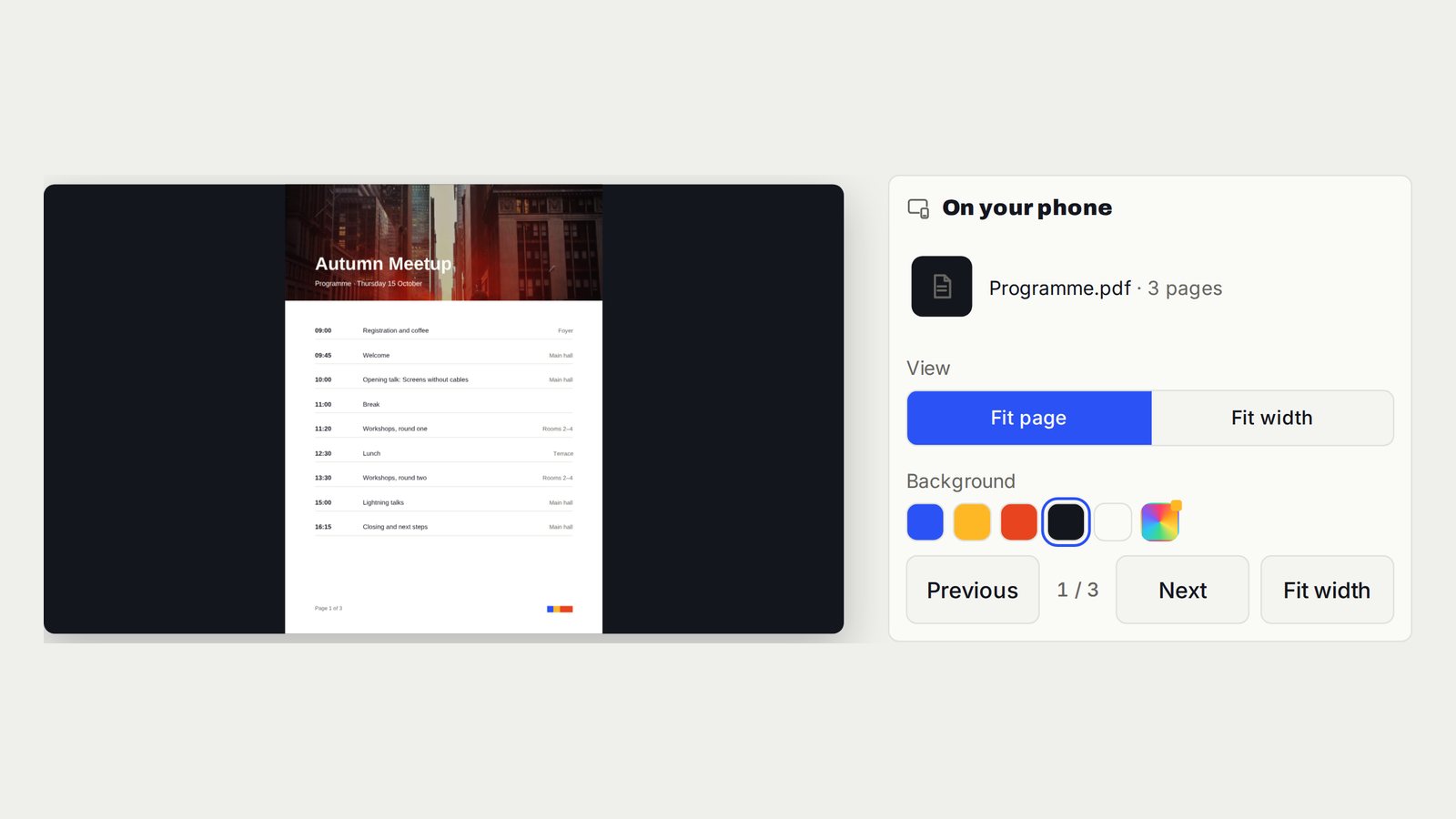
Show a PDF on TV or a Projector Without HDMI
A clean PDF on the display, with page changes controlled from your device.
Follow the interactive walkthrough →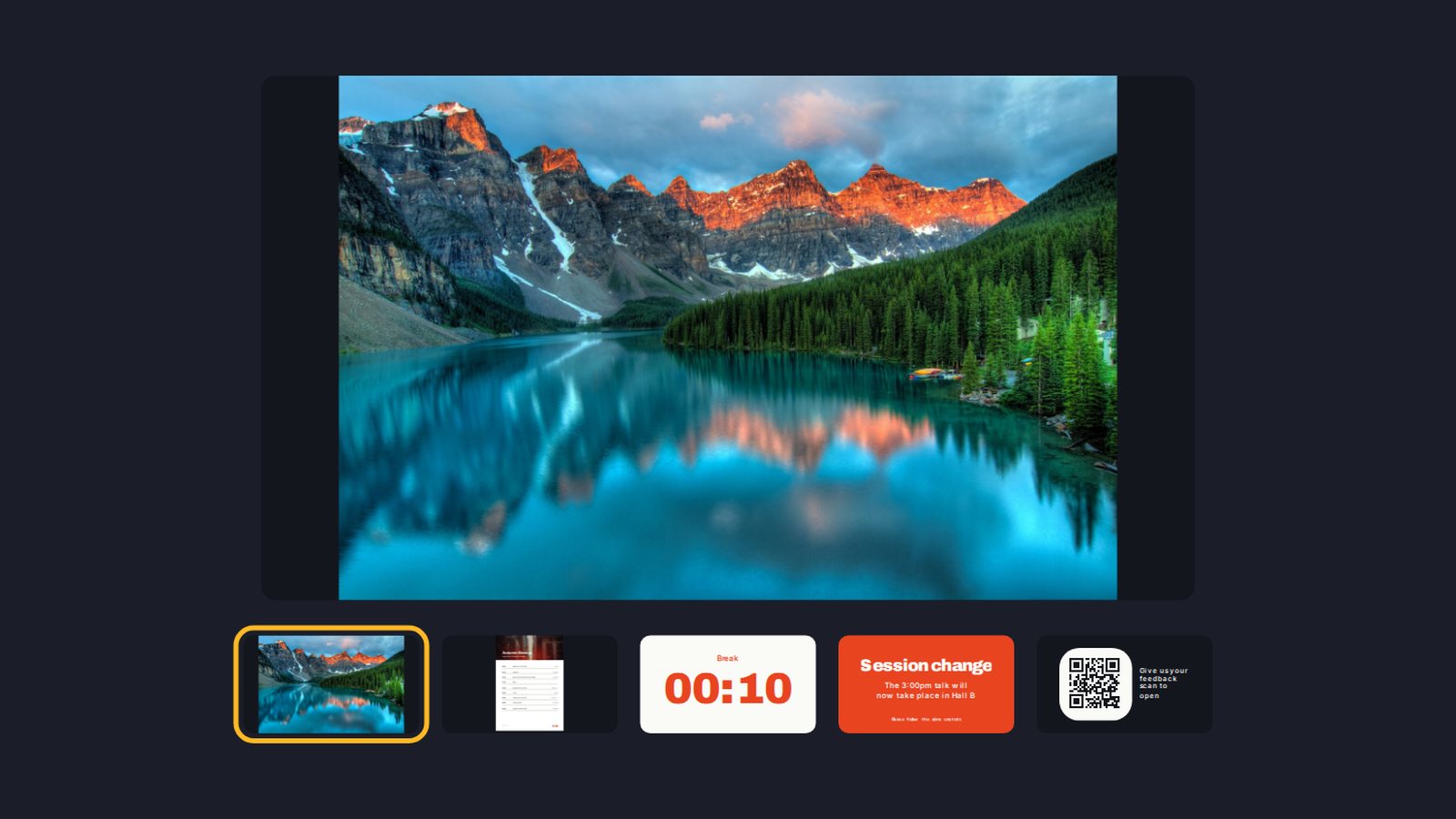
Build a Digital Signage Playlist on TV Without a New Media Player
One screen moving through the content you prepared, in the order the room needs.
Follow the interactive walkthrough →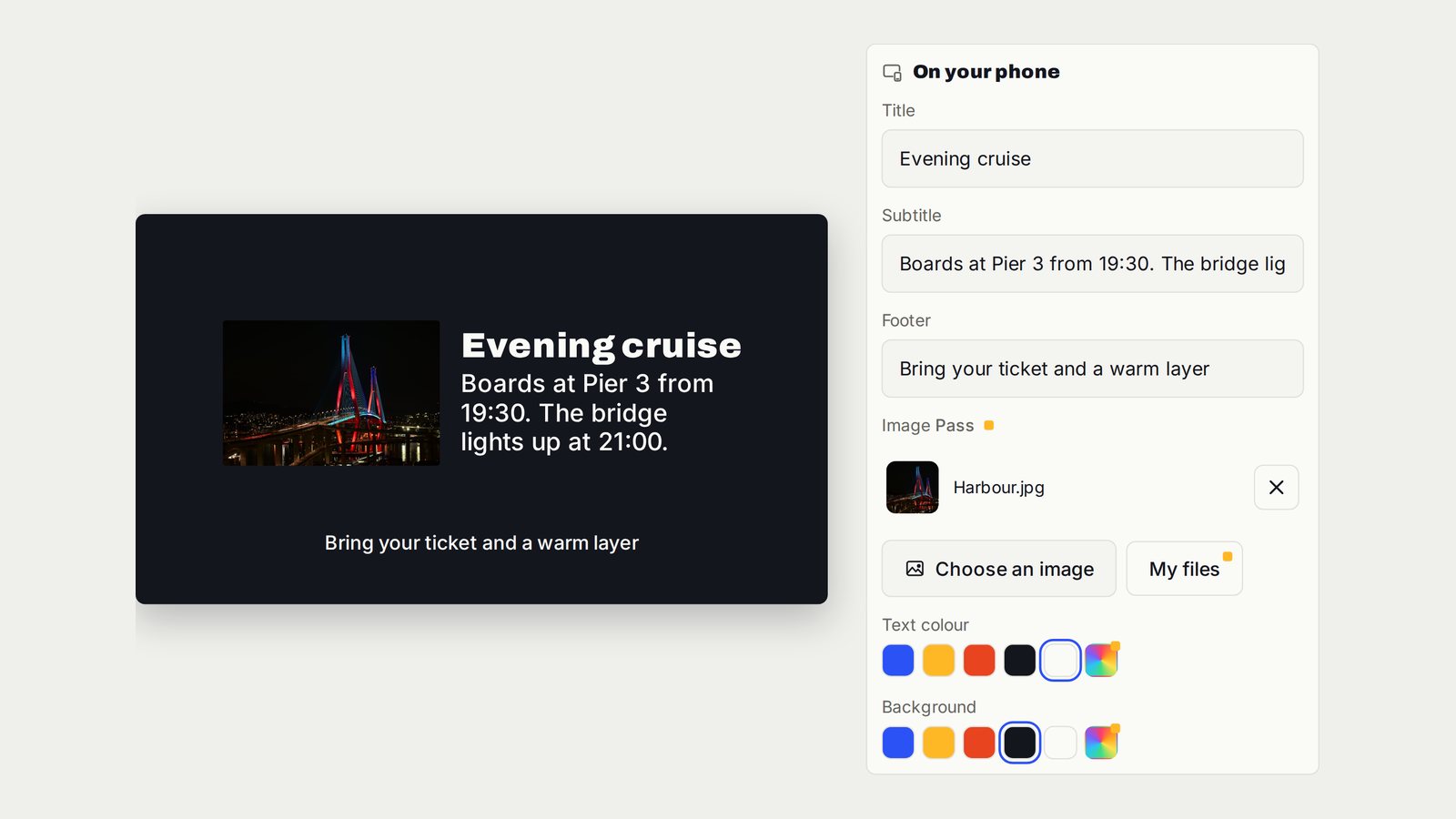
Turn a TV into a Digital Notice Board
A structured announcement that tells everyone what changed and what to do next.
Follow the interactive walkthrough →Read · Print · Reuse
Keep this walkthrough with the next job.
The two-page handbook has clickable setup and related-guide links. Its page images and descriptions are also available as a IIIF presentation manifest, linked to this interactive page and the main V U This product.